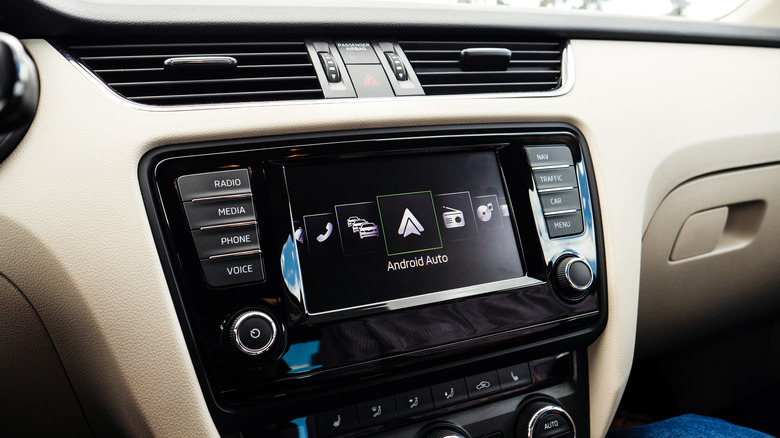

Android Auto users can choose between many map apps, each of them bringing their unique strengths and weaknesses to the table and catering to different preferences and needs. Nowadays, when navigation isn’t just about directions but a seamless experience, the call for map apps that offer more than mere routes grows louder, too. These apps
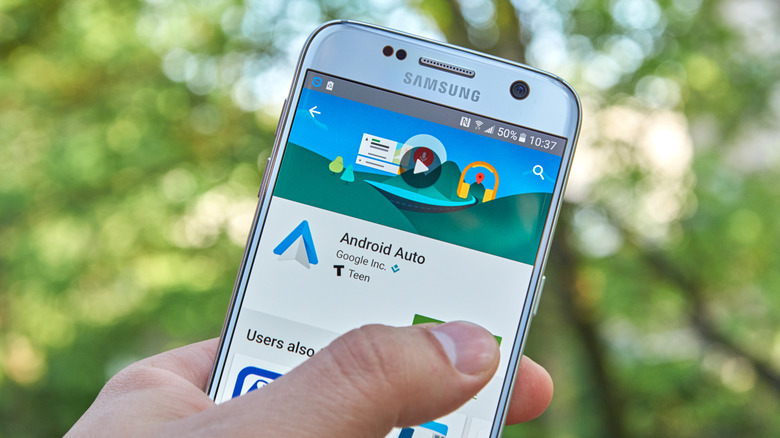
When you first discovered that you could connect your Android smartphone to your car via Android Auto, did you immediately run out to the car, phone in hand, excited at the possibilities of future technology? Was that excitement then dashed when, despite your best efforts, you couldn’t get your Android to properly connect with your
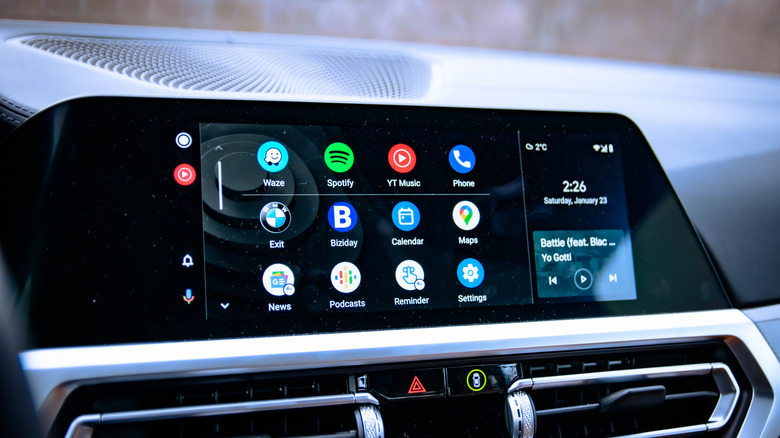
Android Auto is meant to be a helpful companion while you’re out on the road, providing you quick and easy access to driving features like maps, music, and messaging, without drawing too much of your attention from the wheel and the road. That said, depending on your personal driving preferences and habits, you may find
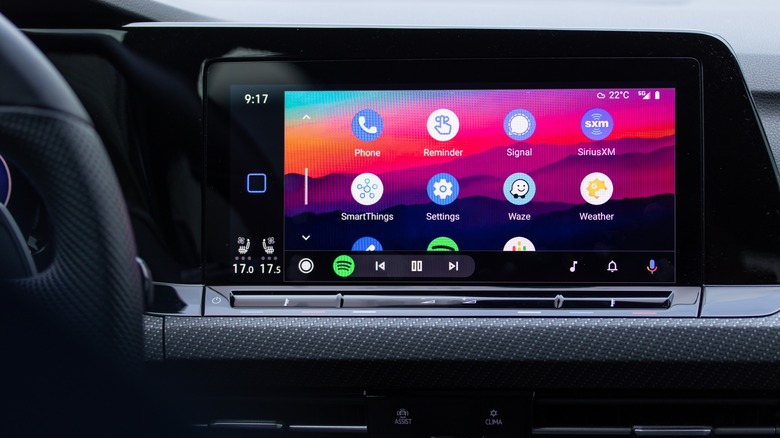
Over 500 new and older vehicle models are compatible with Android Auto, an in-vehicle interface that mirrors the functionality of any compatible Android or Google device. The great thing about Android Auto is its ease of use and the simple connection process, but sometimes the process doesn’t go as smoothly as intended. In most cases,

Having Android Auto in your car opens up a lot of options while driving. Instead of having to fumble with the radio, manually answer phone calls, or even send messages, the Android Auto voice commands make things very simple. If you have a smartphone, you’re likely aware of things like Apple’s Siri and Google Assistant.
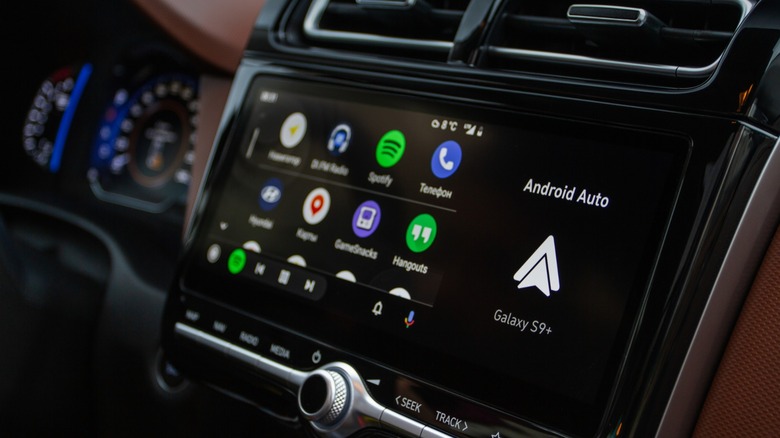
Android Auto is a helpful tool for connecting Android phones to a car’s dashboard. The app can be used in a variety of ways, including playing music from streaming apps, using Google Maps for directions, and making hands-free calls. However, things can quickly become frustrating if you rely on it daily and are experiencing connectivity
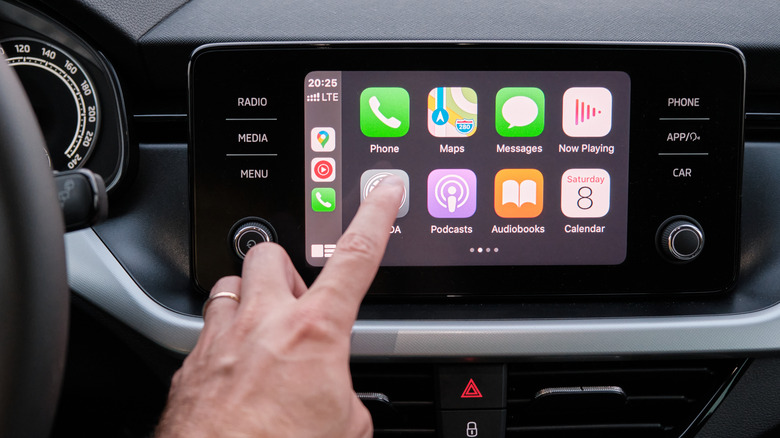
Android Auto is usually a fairly stable service — as it kind of needs to be, since it’s something you’ll be using while driving. Its only real goal is to get your Android smartphone’s apps up onto your car’s infotainment system so you can quickly and easily flip between your maps and music and whatnot
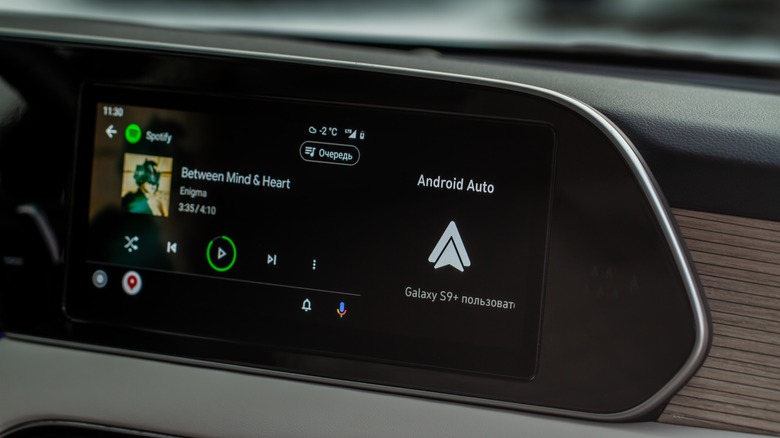
You might not think about this very often, but in a vacuum, it’s kind of incredible that we have developed the technology to share information and functionality between two completely separate devices. With just a simple USB cord, a smartphone and a car’s infotainment system, once disparate systems, can momentarily become one. It’s a little